

Overview
The most common scenario for this guide is to facilitate marketplace or peer-to-peer transfers between your customers.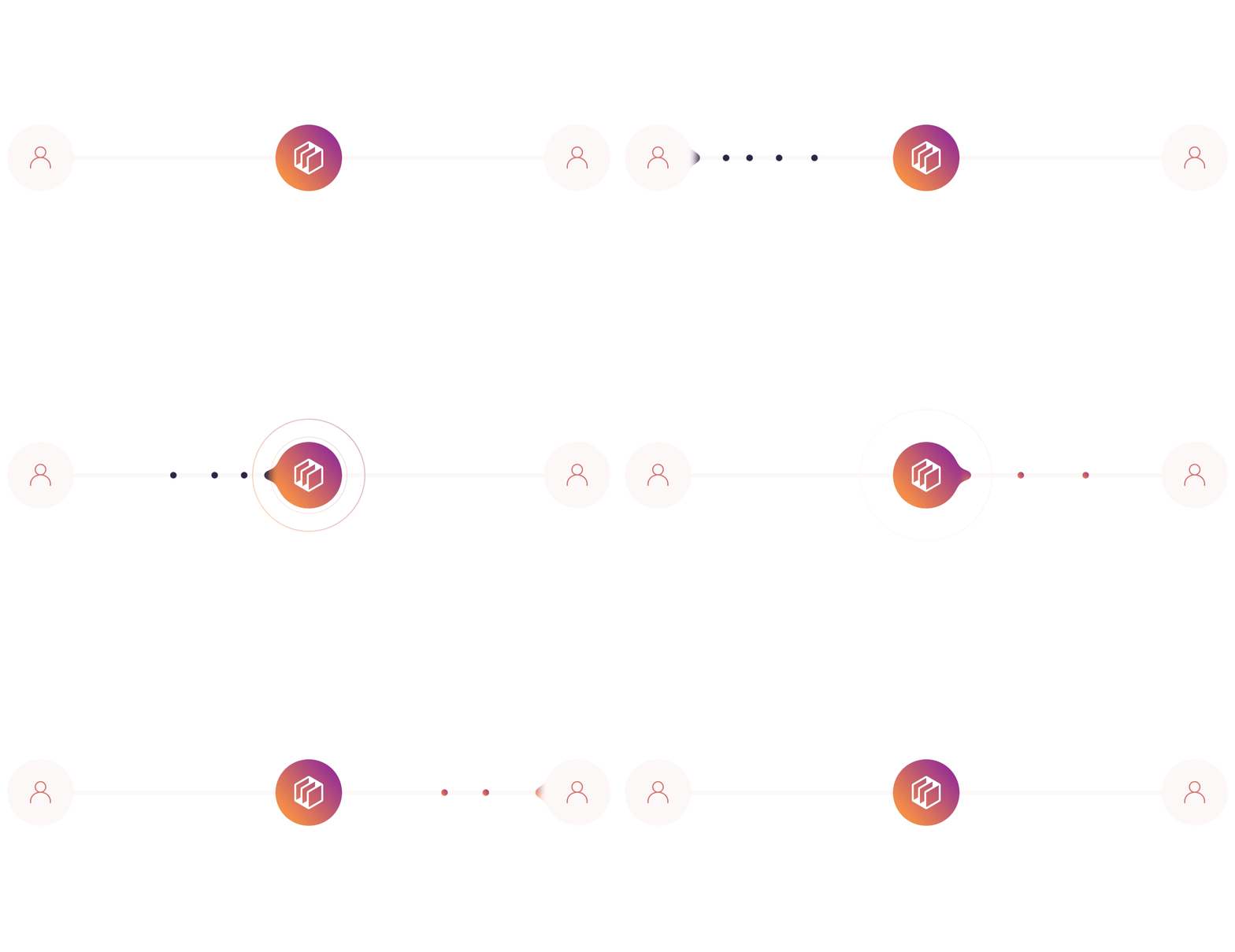
1
Create a Verified Customer who will receive the transfer
Create a Verified Customer in your application to act as the recipient of the funds.
2
Create an Unverified Customer who will send the transfer
Create an Unverified Customer who will initiate and send the funds.
3
Associate a verified funding source with the sender
Link and verify a bank or credit union account to the sender’s profile to enable sending funds.
4
Associate an unverified funding source with recipient
Link a bank or credit union account to the recipient’s profile (verification not required for receiving funds).
5
Transfer funds from the sender's funding source to the recipient's funding source
Initiate a transfer from the sender’s verified funding source to the recipient’s funding source using the Dwolla API.
Before you begin
You need to have a Sandbox account already set up.Verified and Unverified Customers
Here are some rules to keep in mind:- With a transfer of money, at least one party must complete the identity verification process, either the sender or the receiver. It’s your decision about which party completes this process, based on your business model, and you may want to have both parties complete the identity verification process.
- The sender must have a verified funding source. Unverified funding sources can only receive money, not send.
Verified Customer with an unverified funding source. The buyer, Joe Buyer, is an Unverified Customer with a verified funding source.
This is a suggested approach and there are other ways you can implement your
marketplace transfers. For instance, both the sender and the receiver (or
buyer and seller) could be
Verified Customers, and both could
have verified funding sources. Or, you could have the sender undergo identity
verification but not the recipient.Step 1 - Create a Verified Customer
First, we’ll create aVerified Customer for Jane Merchant.
There are two types of Verified Customers you can create; Personal Verified Customers and Business Verified Customers. In this example, we use Business Verified Customers (sole proprietorship) to represent the merchant who will be receiving funds.
Step 2 - Create unverified funding source
Next, we’ll add Jane Merchant’s bank or credit union account as an unverified funding source. Unverified funding sources can only receive funds, not send. The example below shows sample bank information, but you will include actual bank name, routing, and account numbers after prompting your customer for this information within your application. Possible values forbankAccountType can be either “checking” or “savings”. More detail is available in API docs.
Step 3 - Creating an Unverified Customer
Now that we’ve created a customer for Jane Merchant and associated a funding source, we’ll do the same for Joe Buyer, but this time we’ll create anUnverified Customer, and a verified funding source which is capable of sending money.
Provide the user’s full name, email address, and IP address to create the Customer. More detail is available in API docs.